
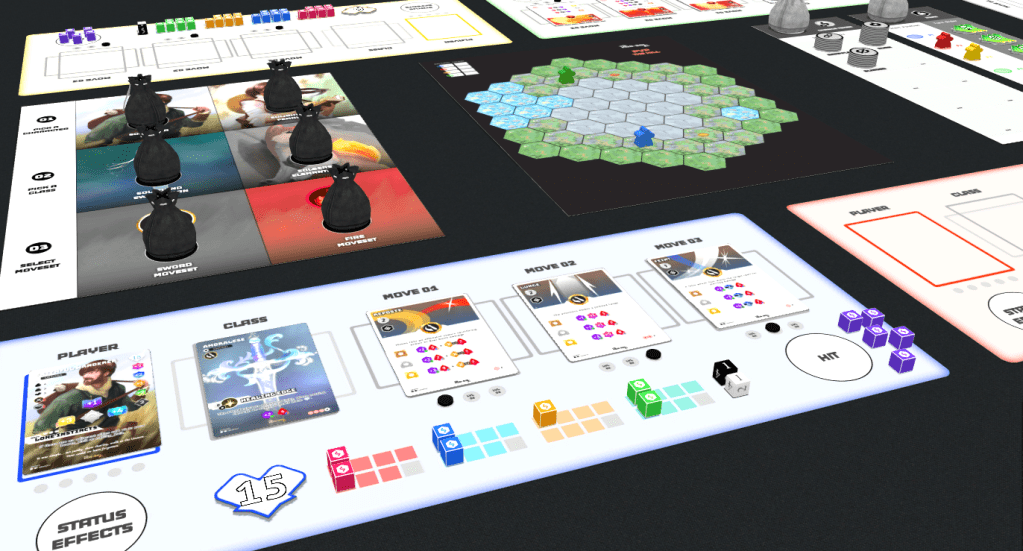
KORxSOL Play Now Online at Tabletopia
How To Start a Game Online
1. Open up a game lobby on tabletopia by clicking here: PLAY NOW
Note: the game lobby will be open for 15 minutes for free users who are hosting. Once in game, the timer will not be active.
2. Have any friends you would like to Join go to tabletopia.com in there Web Browser or open Tabletopia on Steam.
3. In the Game lobby add a number of seats for the players joining.
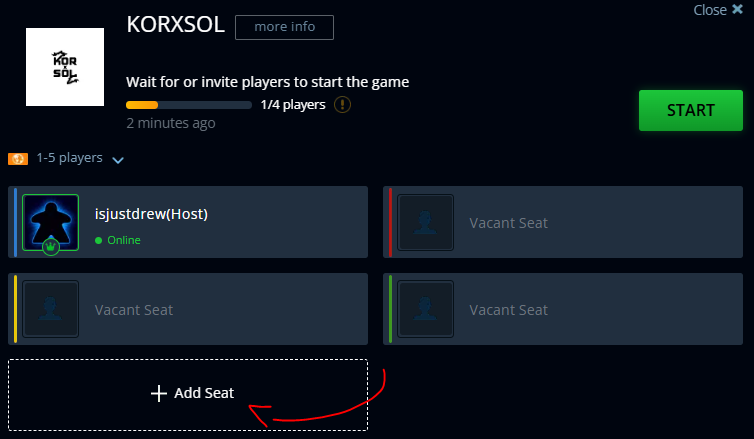
4. Make sure that the game can be found by selecting the “visible to other players option”.

5. “Invite Players” from your tabletopia friends list -or- share the generated room code with your friends to look up and find the game. Remember to include the “#” sign. (example: #123ABC)


6. Once your friends have joined, have them pick a seat, and when everyone is ready select “START”.
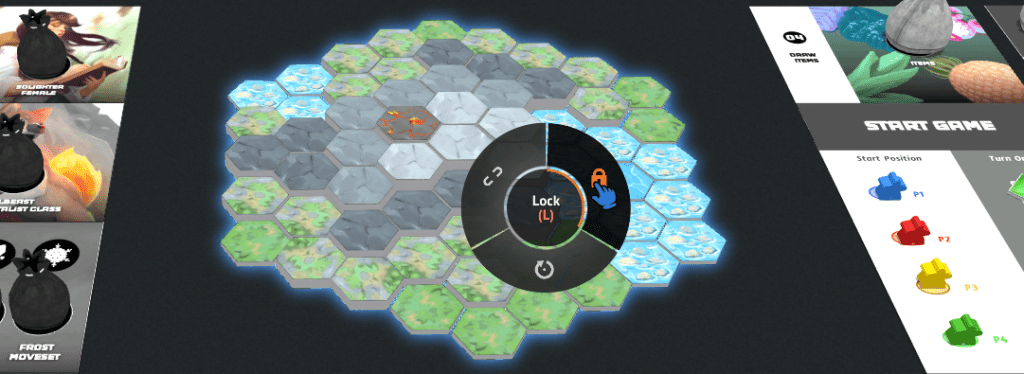
7. Once the game loads It is “HIGHLY” recommended to choose your map first, move it to the center of the game table, and right-click to select and LOCK the board so it doesn’t fly away during gameplay… (true story).
For Rules on “how to play” head on over to the Players Guide.
Let us know how your game experience was?
